Showing posts with label Blogger. Show all posts

3/02/2024

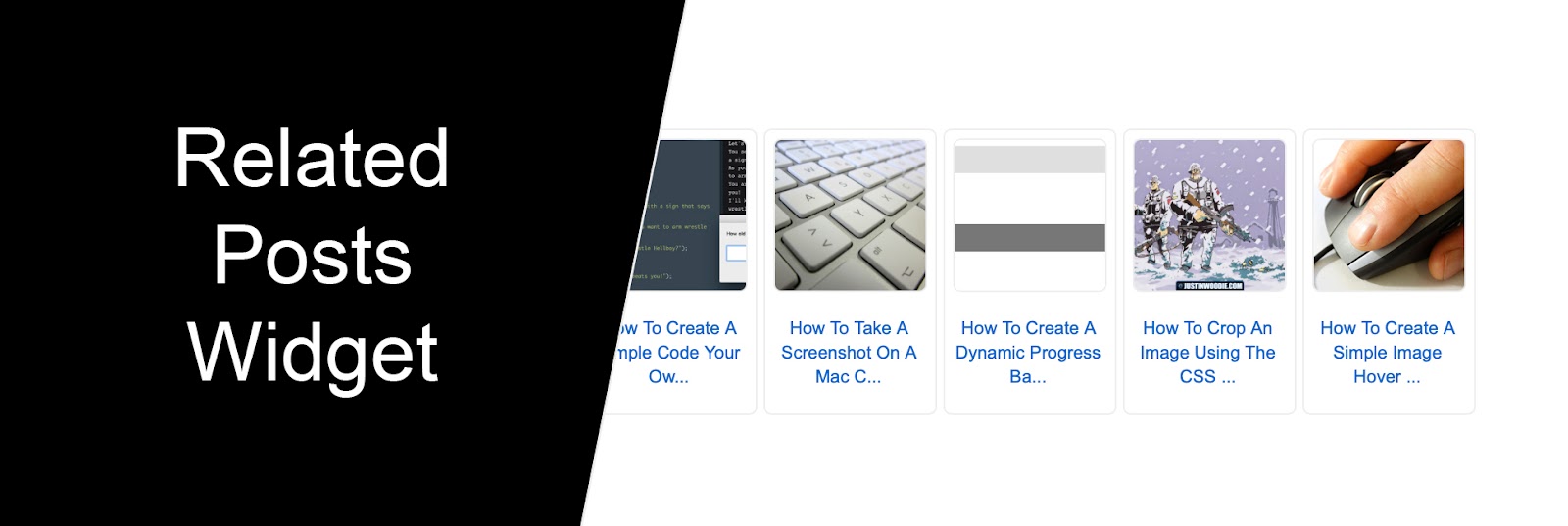
How To Add A Related Posts Widget With Image Thumbnails And Blog Post Titles To Blogger

No comments:
How To Add A Related Posts Widget With Image Thumbnails And Blog Post Titles To Blogger

Related Posts are a great way to increase engagement on your blog and keep readers scrolling through your content. If you'd like to add a simple Related Posts Widget with image thumbnails and blog post titles to you Blogger website then you've come to the right place! Follow this simple step by step tutorial below:
5/08/2017

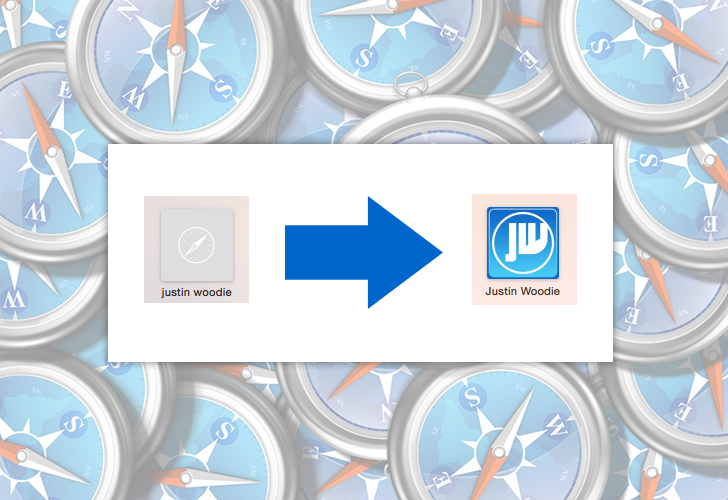
How To Customize Your Blogger Website Logo On The Safari Frequently Visited Page

1 comment:
How To Customize Your Blogger Website Logo On The Safari Frequently Visited Page

If you're a Safari browser user, you'll notice the frequently visited website section on a new browser tab when you start surfing the web. If you have a website built on the Blogger platform, I'm going to walk you through a very simple tutorial on how to get your own website's logo customized for the frequently visited section.

7/20/2014

How To Backup And Save A Copy Of Your Entire Website / Blog On Blogger

No comments:
How To Backup And Save A Copy Of Your Entire Website Blog On Blogger

The popularity of blogging and creating websites has grown immensely over the last decade. Blogger remains a great platform for creating and maintaining an online presence. With any website, creating a backup of your work is a great idea. With Blogger, the solution for backing up your website is very simple. Just follow the steps below:

2/24/2014

How To Remove The "No Posts" Message On Blogger

2 comments:
How To Remove The No Posts Message On Blogger

If you're a fan of the content management system (CMS) and blogging platform Blogger, chances are as you dive deeper into learning about it you'll want to customize parts of your website further. You'll also find that there are useful but limited tools available for customizing your site through the template designer. To get around that you simply have to add a little bit of code to your HTML. Above you'll see a simple screen capture image of the No Post text that Blogger displays when no post is found at the url you are directed to. If this happens on your blog it's probably because you deleted an old post and the search engines still have the page indexed. If you do not want this text to be displayed on your blog when this happens follow, this simple tutorial:

2/20/2014

How To Setup Custom Redirects On Blogger To Point Old URL's To New Pages

No comments:
How To Setup Custom Redirects On Blogger To Point Old URL's To New Pages

While doing some blog maintenance, I noticed I had slightly changed the title of a tutorial after importing the post, therefore the new posts url was different from the previous one that had been indexed into Google's search. This would lead to a "No Posts" page on my website, instead of the actual post. Thankfully Blogger has an easy to use function that allows URL redirection. I'll show you how to use it, let's go!


Copyright © justinwoodie.com ©
