
Have you ever wanted to take a screenshot of your entire Mac desktop or just a specific item on it, but didn't know how? Well, look no further, as I have the simple tutorial on how to do this below, enjoy!

blog.justinwoodie.com
Have you ever wanted to take a screenshot of your entire Mac desktop or just a specific item on it, but didn't know how? Well, look no further, as I have the simple tutorial on how to do this below, enjoy!


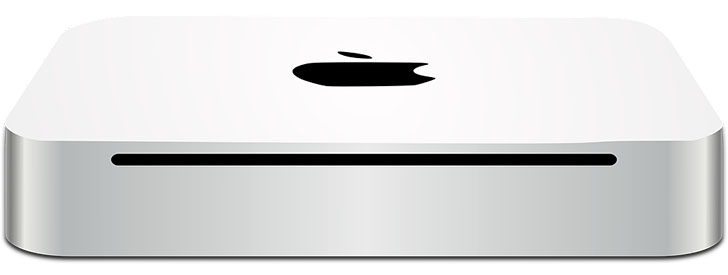
 If you're an owner of a Mac Mini computer from 2010 or earlier than your model came with a built in CD drive. Apple has since done away with this feature in their newer models, but it's great to have - even though it's use has been very unfrequent in recent years due to the growth of online application downloads. However, on the occasion when the necessity for inserting a CD comes up, my Mac Mini is fully prepared! On a handful of occasions I ran into the problem of getting a CD stuck in the machine and found out quite quickly that there was no manual eject button located on the outside of the computer. So like anyone else, I realized it was the end and all was lost - right? No, luckily there's an easy solution for this problem, let me walk you through it!